
The first five minutes of an event shape the guest’s view of everything that follows. A registration queue, a missing badge, or a staff member searching through a spreadsheet can make a premium corporate event feel unprepared. Knowing how to streamline event arrivals means designing the entire arrival journey before doors open, from registration data and credentials to signage, hardware placement, and technical support.
For conferences, exhibitions, product launches, and internal corporate events, the goal is not simply to process guests faster. It is to create a controlled, welcoming entry experience that protects brand quality while giving organizers accurate attendance data from the start.
Start With the Arrival Journey, Not the Registration Desk
Event arrival is a sequence of decisions, not a single check-in task. Guests need to know where to enter, which line applies to them, how to confirm attendance, where to collect credentials, and where to go next. When these steps are not planned as one connected workflow, even high-quality equipment can create confusion.
Map the expected journey for every attendee type before selecting technology. A VIP guest, exhibitor, speaker, sponsor, employee, and general visitor may all require different handling. Some may need pre-printed RFID credentials; others may need same-day badge printing; exhibitors may need access to a loading or setup zone before entering the main event area.
This mapping exercise also exposes practical questions that are often missed: What happens if a guest is not on the list? Where are walk-ins registered? Who approves a name change? Can a badge be reprinted securely? Is there a separate process for guests who require special access? Clear answers prevent the registration team from improvising under pressure.
Build Reliable Registration Data Before Event Day
Fast check-in depends on accurate information. If names, company details, attendee categories, and access permissions are incomplete or inconsistent, queues will form regardless of how many counters are available.
Set firm registration deadlines and use a registration form that collects only the information needed for operations, badge design, access control, and post-event reporting. Standardize fields such as company name, job title, and attendee category. This protects the visual consistency of printed badges and prevents staff from manually correcting formatting during peak arrival periods.
Send confirmation communications that clearly state the arrival time, venue entrance, parking instructions, identification requirements, and whether guests should present a QR code. For major events, staggered arrival windows can significantly reduce pressure on the registration zone. A 9:00 a.m. opening does not mean every attendee should be invited to arrive at 8:55.
Data should also be reviewed against the planned badge stock and access model. For example, a speaker badge may require a different color treatment, lanyard, RFID encoding, or access profile than a visitor badge. Preparing these distinctions in advance reduces errors and makes onsite teams more confident when managing exceptions.
How to Streamline Event Arrivals With the Right Check-In Model
There is no single best check-in method. The appropriate setup depends on attendance volume, venue layout, guest profile, security requirements, and the level of personalization required.
For a smaller executive event with a known guest list, staffed check-in desks with pre-printed badges may offer the most polished experience. Guests are greeted personally, credentials are ready, and the team can manage VIP protocol with discretion.
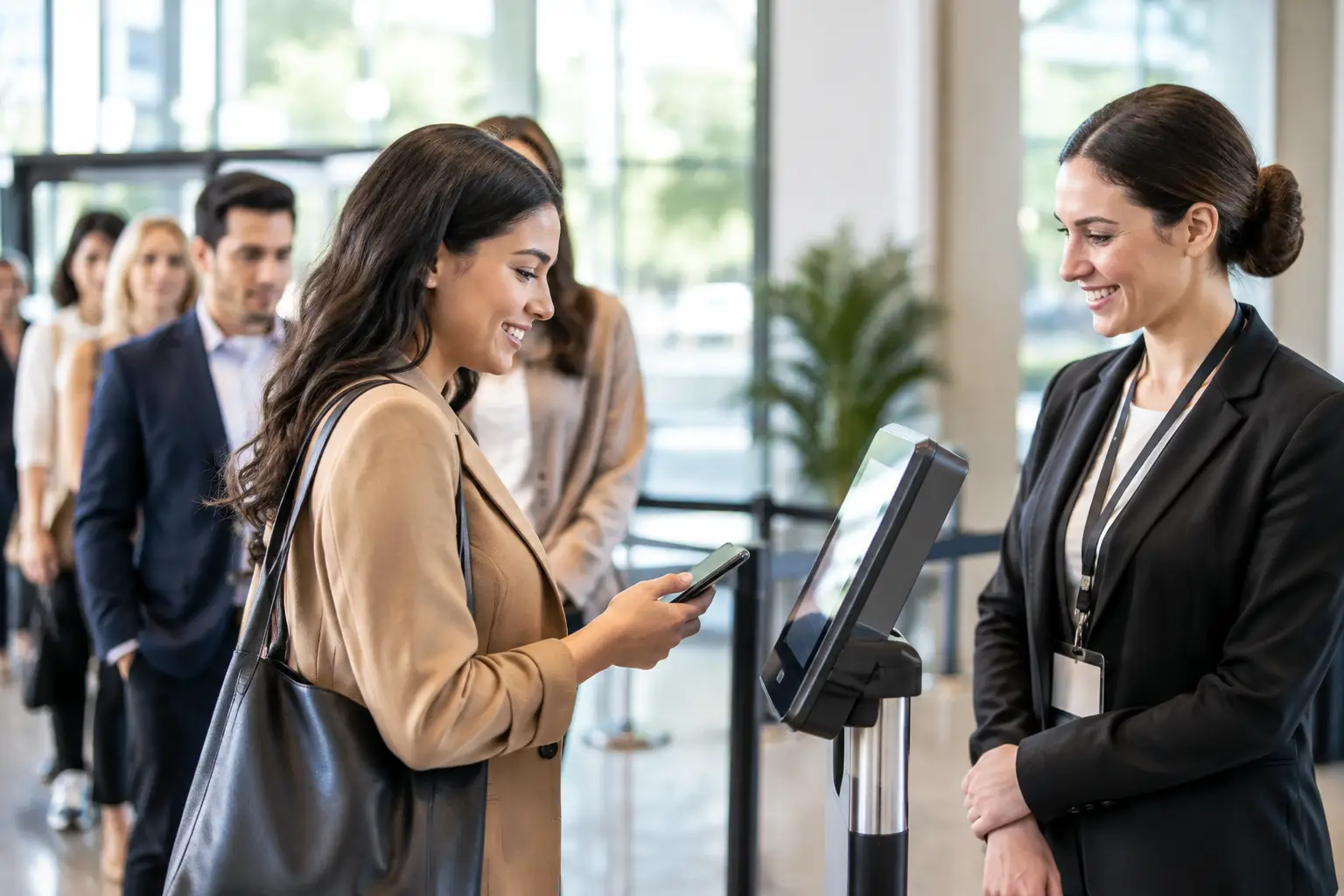
For larger conferences and exhibitions, self-service kiosks can absorb a substantial share of arrivals. Guests scan a QR code, search for their name, or enter a confirmation detail, then print or collect their badge. This reduces repetitive work for staff and allows the registration team to focus on exceptions, hospitality, and support.
A hybrid model is often the most resilient option. Use self-service kiosks for pre-registered attendees, a staffed counter for VIPs and speakers, and a dedicated assistance desk for walk-ins, name corrections, and reprints. The trade-off is a slightly larger footprint and more planning, but it prevents one complicated registration case from holding up an entire line.
For controlled-access environments, RFID or NFC credentials can combine identity, access permissions, and engagement tracking in one card or badge. They are particularly useful for multi-day conferences, restricted zones, staff identification, and sponsor activations. The credential design, encoding process, and scanning points need to be tested together, however. A smart card is only as effective as the access rules and onsite infrastructure behind it.
Design the Physical Flow Around Peak Demand
A registration area should be planned for the busiest 20 to 30 minutes, not the average hour. Estimate peak arrivals based on guest count, transport schedules, opening agenda items, and whether attendees are likely to arrive together.
Place queues where they are visible, logical, and away from doorways, elevators, emergency routes, and catering service areas. Use branded digital signage, floor graphics, or clearly positioned displays to direct guests before they reach the desk. The fewer questions guests need to ask, the faster the entire area moves.
Hardware placement matters as much as hardware selection. Kiosks need adequate spacing for privacy, accessible cable management, reliable power, and a clear path for guests who have completed check-in. Badge printers should be positioned close enough to the check-in workflow for support staff to resolve issues quickly, but not so close that printer activity creates congestion.
Plan a visible exit path from registration to the event space. Once guests receive their badge, they should immediately understand where to go next. Digital wayfinding can guide attendees to conference halls, exhibition zones, meeting rooms, or hospitality areas while extending the visual identity of the event.
Make Credentials Functional and Brand-Ready
Badges are operational tools, security devices, and brand assets at the same time. A poor-quality badge can undermine a high-end event, while an unclear one slows down security teams, hosts, and exhibitors who need to identify attendee type at a glance.
Use a credential hierarchy that is easy to recognize from a short distance. Color bands, role labels, lanyard treatments, and clear name typography can distinguish visitors from sponsors, media, staff, speakers, and VIPs without making the design feel cluttered. If access levels are sensitive, avoid relying only on visual cues. Pair the badge with encoded RFID or NFC permissions and trained access staff.
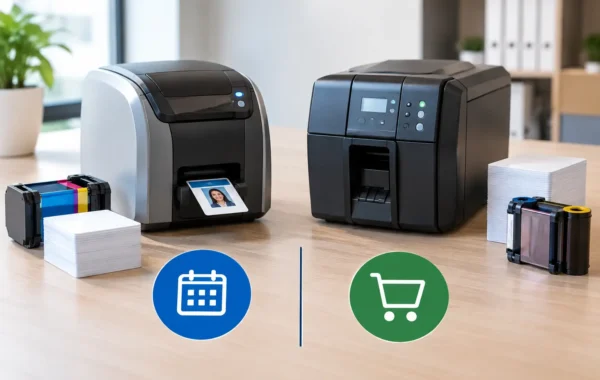
Pre-printing offers speed and premium presentation when registration is stable. On-demand printing provides flexibility for late registrations, replacements, and walk-ins. Many corporate events benefit from both: pre-print the confirmed majority and keep branded card stock, printers, and approved templates ready for onsite production.
Rigorous print proofs and device testing are essential. Confirm that QR codes scan correctly, barcodes print sharply, encoded cards read reliably, and badge layouts match the approved brand artwork before production begins.
Prepare for Exceptions Before They Become Delays
The arrival process will always include exceptions. A guest may arrive without a confirmation email, a speaker may bring an unregistered colleague, or a badge may be misplaced minutes before a presentation. The difference between an organized event and a stressed one is whether these situations have a designated process.
Create a separate support point with authorized staff, a live registration view, spare badge materials, and clear escalation contacts. Keep it out of the primary self-service line. This allows most attendees to continue checking in while the support team resolves complex cases privately and efficiently.
Test the full workflow before guests arrive. Run sample registrations, scan QR codes, print test badges, verify network connections, check kiosk screens, and confirm that every power source and backup device is in place. A specialized onsite team can monitor performance throughout peak arrival periods, replenish supplies, and respond before a small issue becomes a visible operational failure.
Measure What Happened at the Door
Arrival data is useful beyond attendance counts. Review check-in times, peak volumes, kiosk completion rates, reprint frequency, walk-in numbers, and the most common support requests. These details reveal whether a future event needs more kiosks, earlier communication, clearer signage, or a different credential process.
For recurring corporate programs, this operational record becomes increasingly valuable. Teams can predict demand, refine staffing levels, and create repeatable event standards without sacrificing a tailored guest experience.
A well-run arrival should feel effortless to the attendee because the complexity has been handled behind the scenes. When registration software, branded credentials, kiosks, signage, print production, and onsite support are planned as one environment, guests spend less time waiting and more time engaging with the event you built for them.