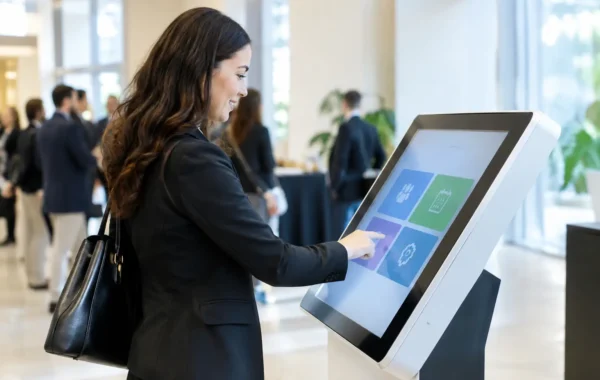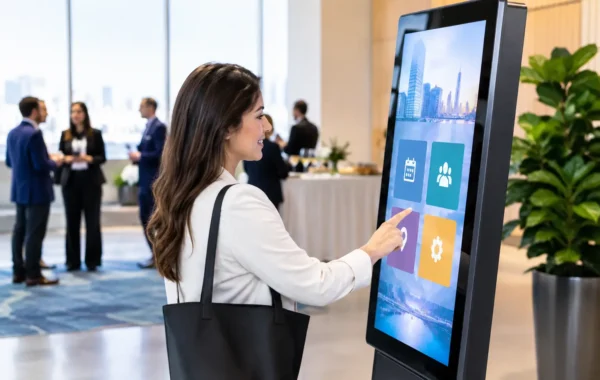
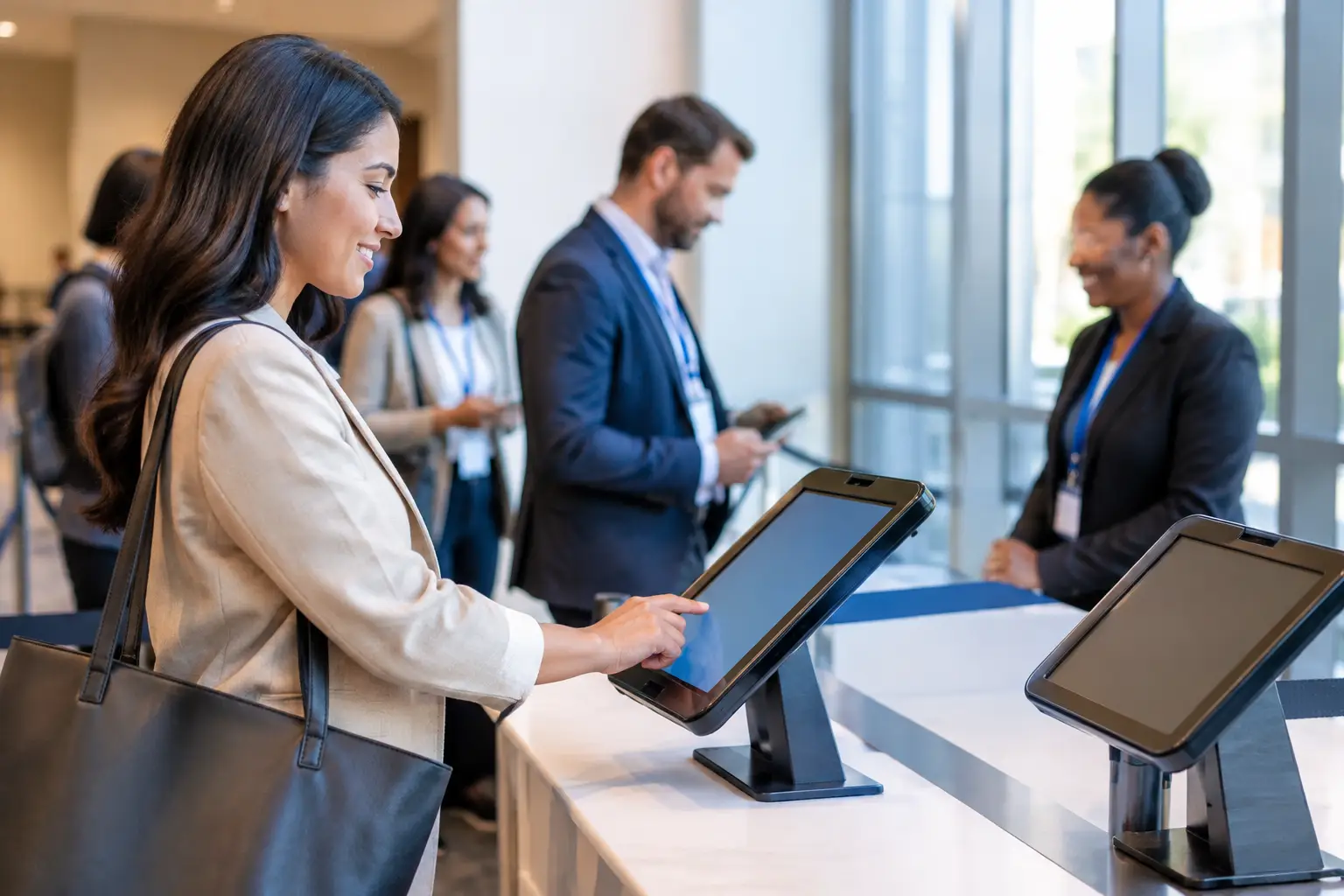

The first five minutes of an event set the standard for everything that follows. When invited guests meet a crowded registration desk, unclear directions, or a missing badge, even a well-produced conference can feel disorganized. A well-planned self service event check in process changes that first impression into a fast, controlled, and visibly premium arrival experience.
For corporate conferences, product launches, exhibitions, and internal events, self-service check-in is not simply a kiosk placed near the entrance. It is a coordinated system of registration data, hardware, badge production, visual guidance, and onsite support. When each component is configured correctly, attendees move from arrival to access with minimal delay, while event teams retain full visibility over who has arrived.
Why self-service check-in deserves operational planning
Manual registration tables can work for small, informal gatherings. But as guest volumes rise, the process depends heavily on staff speed, handwriting accuracy, badge sorting, and the ability to find registration records under pressure. A single late change can create a queue that affects every guest behind it.
Self-service check-in transfers routine tasks to an intuitive digital workflow. Attendees can scan a QR code, search their name, verify a few details, and receive a printed badge in moments. Registration staff are then free to focus on exceptions, VIP hospitality, walk-ins, accessibility needs, and guests who need personal assistance.
The operational benefit is control. A registration dashboard can show arrival volumes in real time, identify no-shows, flag duplicate entries, and support attendance reporting after the event. For conferences with multiple sessions or restricted areas, the same credential can also support access validation through QR, RFID, or NFC technology.
That said, self-service is not the right answer for every registration moment. A private board meeting with 20 known guests may be better served by a hosted welcome desk. A large conference with several hundred attendees arriving within the same 30-minute period has a very different requirement. The correct approach depends on expected peak traffic, guest profile, credential complexity, venue layout, and the level of hospitality the brand intends to deliver.
Designing a self service event check in flow
A successful check-in experience begins before equipment reaches the venue. The registration journey should be mapped from the parking drop-off or entrance through to the event space. Guests need to know where to go before they stop and ask for help.
Start by defining the arrival paths. Pre-registered attendees may scan a QR invitation at a kiosk, while VIPs are routed to a dedicated host and walk-ins use a staffed registration point. Exhibitors, speakers, media representatives, and crew often require separate credential types and access rules. Combining all of these groups into one line may appear efficient on a floor plan, but it usually creates confusion at peak arrival.
The digital workflow must be equally direct. Every additional screen, required field, or unclear instruction adds time. For most corporate events, the strongest kiosk experience is simple: scan, confirm, print, and proceed. If a guest record cannot be found, the system should direct them clearly to an assistance desk rather than allowing an unsuccessful search to hold up the queue.
Hardware capacity should be based on arrival peaks, not total attendance. A 1,000-person event may have manageable check-in requirements if attendees arrive across several hours. A 300-person breakfast briefing can need more kiosks if nearly every guest arrives in a 20-minute window. Event planners should account for printer speed, badge stock changes, internet connectivity, power access, and physical space around each kiosk.
Badge printing is part of the guest experience
A badge is both an operational credential and a physical expression of the event brand. It should be readable at a glance, durable enough for the program, and consistent with the event’s visual identity. Poorly aligned artwork, low-quality stock, or inconsistent attendee information can weaken an otherwise polished environment.
For self-service deployment, badge templates need careful testing before event day. The design should accommodate variable-length names, company names, job titles, QR codes, and access categories without crowding the layout. Names must remain prominent enough for networking, while barcodes or encoded technology must be placed where scanners can read them reliably.
Different event formats call for different production choices. A single-day internal meeting may only require clean printed name badges. A multi-day trade show may need durable PVC cards, lanyards, color-coded access levels, and RFID or NFC encoding for controlled entry. The choice should match the operational need rather than add technology for appearance alone.
Visual consistency also extends beyond the badge. Kiosk wraps, welcome screens, queue barriers, directional signage, and help-desk branding should follow the same approved artwork. This creates a more intentional registration environment and helps attendees recognize where to check in without relying on staff instructions.
Build for exceptions, not just ideal arrivals
The strongest registration plans assume that some guests will arrive with expired QR codes, spelling errors, late approvals, duplicate registrations, or no pre-registration at all. Self-service technology handles the standard flow efficiently, but an event still needs a clear human response for the exceptions.
A staffed support point should be positioned near, but not inside, the primary self-service lane. This prevents small issues from slowing down guests whose records are ready. Support staff need controlled access to update records, reprint badges, confirm approvals, and create walk-in registrations according to the event’s policy.
Data protection matters here. Registration screens should not expose unnecessary attendee information, and printed badges should only display what is required for the event. For visitor management, employee events, and programs involving restricted access, credential rules should be agreed on before deployment. A badge that looks professional but grants the wrong access creates a security problem, not a minor inconvenience.
Protect reliability with onsite technical support
A self-service check-in system is only as dependable as its event-day preparation. Kiosks, printers, tablets, scanners, cables, power supplies, and network equipment need to be staged, tested, and labeled before doors open. Software configuration, registration data, printer settings, and badge templates should be verified against the live event workflow, not just reviewed separately.
A practical deployment also includes contingency planning. Local data access, backup printers, extra badge stock, replacement scanners, and a manual fallback process can protect the event if connectivity is interrupted or a device fails. These safeguards are especially valuable for high-visibility launches and executive events, where registration delays are immediately noticed.
A specialized onsite team adds value because it can monitor equipment, resolve printer issues, manage data changes, and adjust traffic flow while the event is live. That enables planners and brand teams to concentrate on their guests rather than troubleshoot a kiosk or search for a replacement cable.
Measure what the arrival experience reveals
Check-in data provides more than an attendance total. It can reveal actual arrival patterns, peak queue periods, no-show rates, session demand, and differences between invited and attended audiences. Marketing teams can use this insight to evaluate campaign response, while event teams can improve staffing and hardware planning for the next program.
The most useful measurement is practical: how long did guests wait, where did exceptions occur, and did the system support the intended experience? A fast arrival is valuable, but it should not come at the expense of hospitality. Some audiences expect independent digital check-in; others value a visible host who welcomes them personally after the kiosk interaction.
For demanding corporate events, the right model is usually a balanced one: digital speed for routine arrivals, trained people for high-touch moments, and a branded environment that makes the process feel deliberate. Smart Track Zone brings these elements together through configured check-in technology, credential production, hardware staging, branded touchpoints, and onsite execution. When registration is treated as part of the event experience rather than an administrative task, every guest starts with confidence.