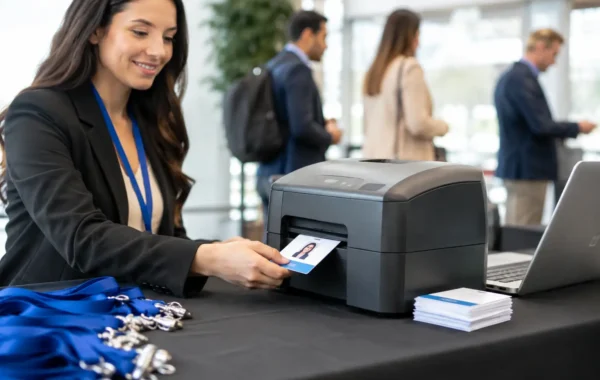

A crowded registration entrance is the wrong place for guests to stop and ask where the conference hall is, whether their session has moved, or how to find a sponsor. Static boards can display information, but they cannot respond when schedules change at 8:45 a.m. Interactive digital signage rental gives event teams a more controlled way to guide attendees, present brand content, and keep essential information current without reprinting a single panel.
For corporate events, exhibitions, launches, and hospitality activations, the value is not simply a large touchscreen. It is a deployed system that combines the right hardware, branded interface design, content configuration, onsite placement, and technical support. When those elements are planned together, digital signage becomes part of the event infrastructure rather than a screen placed in a corner.
Why Interactive Digital Signage Rental Changes Event Operations
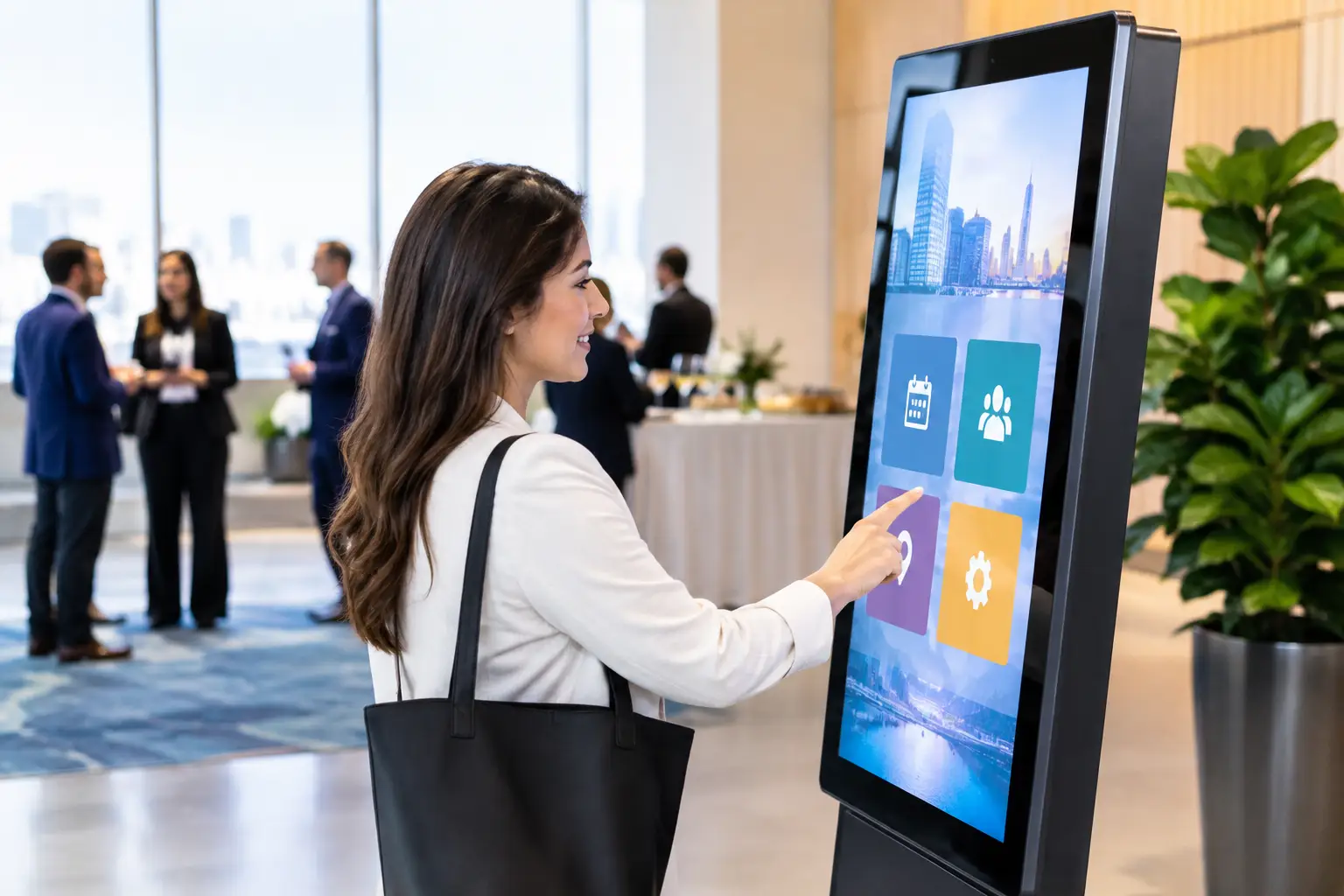
Interactive displays give attendees a direct path to information. A guest can search the agenda, find a meeting room, explore speaker profiles, view exhibitor listings, browse product details, or follow a map without waiting for staff assistance. That reduces repetitive questions at help desks and lets the event team focus on exceptions that genuinely require a person.
The operational advantage becomes clearer when the event is moving quickly. Session rooms change. A VIP arrival affects access routes. A sponsor needs a campaign asset replaced. A product demonstration runs longer than planned. With centrally managed content, an authorized team can update what attendees see while maintaining approved brand standards.
The format also creates a measurable engagement point. Unlike a printed directional sign, a touchscreen can show which agenda categories attendees browse, which exhibitors receive the most searches, or how many visitors interact with a product selector. The level of reporting depends on the software configuration and privacy requirements, but even basic interaction data can help organizers improve the next event day or future editions.
What to Include in an Interactive Digital Signage Rental
A rental should be specified around the attendee journey, not just screen size. A reception-area directory needs a different setup from a product-launch display wall or a self-service event guide. The best configuration begins with what guests need to accomplish at each location.
Hardware That Fits the Venue and Use Case
Freestanding touchscreen kiosks work well near entrances, registration zones, exhibition aisles, and hotel foyers because they are visible from multiple directions and do not rely on a nearby wall. Large-format interactive displays can support detailed floor plans, product exploration, collaboration, or presentations in a branded stand. Tablet-based stations may be more appropriate for compact spaces, lead capture, or controlled one-to-one interaction.
Screen brightness, orientation, mounting, power access, and network conditions all matter. A display that looks excellent in a ballroom may be difficult to read beside an outdoor entrance flooded with daylight. Likewise, a portrait kiosk can be ideal for directories, while a landscape screen often suits video, multi-column agendas, and product demonstrations. These are practical decisions that should be made during the site review, not after equipment arrives.
Branded Interface and Content Configuration
The screen itself does not protect brand quality. The interface does. Corporate colors, type hierarchy, approved imagery, navigation labels, motion behavior, and call-to-action placement should be designed to match the event identity and make the next action obvious.
For a conference, the interface may prioritize agenda search, live announcements, speaker information, and wayfinding. For an exhibition stand, it may feature product categories, comparison tools, case studies, brochures, and meeting-request forms. For an internal event, it could focus on employee recognition, training content, polls, and venue guidance.
Keep the first interaction simple. Attendees should understand what the screen can do within seconds. Dense menus, excessive animation, and long forms can reduce use, especially during peak arrival periods. If lead capture is required, collect only the information needed and define how data will be stored, accessed, and transferred after the event.
Managed Deployment and Onsite Support
Rental value is often decided by everything surrounding the equipment. Delivery windows, venue loading restrictions, cable management, kiosk placement, software testing, power checks, content approval, and removal all need coordination. A screen that is technically functional but placed behind a queue barrier or disconnected from the latest content is not serving the event.
Smart Track Zone approaches this work as part of a complete digital infrastructure. The process can include hardware staging, interface setup, branded screen assets, pre-event testing, venue deployment, and a specialized onsite team for support during live operations. This reduces handoffs between separate rental, design, and event-production suppliers.
Where Interactive Signage Delivers the Most Value
Interactive digital signage is most effective where attendees have a decision to make. Near registration, it can direct guests to the correct check-in queue, badge collection point, or meeting area. At a conference entrance, it can display a searchable agenda and a map of session rooms. In an exhibition, it can help visitors locate stands or learn about sponsors before approaching a booth.
It also has a strong role in product launches and brand activations. Instead of asking every visitor to wait for a staff demonstration, a touchscreen can let them compare features, view application scenarios, select product options, or watch short explainers at their own pace. Staff can then step in when a visitor signals serious interest.
Hospitality venues can use interactive displays for guest directories, event schedules, dining guidance, and localized visitor information. HR teams can use them for internal town halls, onboarding events, recognition programs, or employee service desks. The common requirement is clear: information must be useful, current, and presented with absolute consistency.
Planning the Rental Around the Event Flow
Start with the questions attendees will ask at each stage: Where do I go? What is happening now? Who should I meet? What can I learn or request here? Mapping those questions reveals where an interactive screen will reduce friction and where a standard display is sufficient.
Then establish the technical scope. Confirm venue dimensions, entrance paths, display positions, power availability, internet access, operating hours, and security arrangements. If the signage connects to registration software, QR credentials, RFID/NFC badges, or lead-capture systems, define the workflow early. Integration can create a stronger attendee experience, but it also requires testing, access controls, and clear ownership of data.
Content governance deserves the same attention. Assign one person or team to approve last-minute updates, provide assets in the required format, and confirm the final agenda or directory data. A controlled update process prevents outdated information, inconsistent campaign visuals, and avoidable confusion during the event.
Finally, plan for the live environment. High-traffic kiosks may need a nearby host during busy periods, especially if the interface includes registration, surveys, or detailed search tools. For long operating hours, confirm device monitoring, standby content, cleaning procedures, and support escalation. Rental is flexible, but it should never feel temporary to the attendee.
Choosing Between Interactive and Standard Digital Signage
Not every screen needs touch capability. If the objective is simply to show a rotating sponsor reel or a fixed directional message, standard digital signage may be more cost-effective. Interactivity is justified when the attendee benefits from searching, selecting, exploring, registering, responding, or requesting information.
The strongest event environments usually use both. Standard screens handle fast, high-visibility announcements and ambient branding. Interactive stations support deeper self-service tasks. This division keeps essential messages visible while giving attendees an optional route to more detailed content.
Interactive digital signage rental works best when it solves a specific operational problem and reflects the quality of the event around it. Place it where decisions happen, make the interface easy to use, and assign a team that can manage the details behind the screen. Guests may not notice the infrastructure when it performs well, but they will remember how easy the event felt to navigate.