
A registration desk that opens with missing chargers, unconfigured laptops, or inconsistent screens creates a problem guests notice immediately. Event laptop rental is not simply a matter of supplying devices. For corporate conferences, exhibitions, launches, and internal meetings, it is a controlled deployment that affects check-in speed, staff productivity, data protection, and the quality of the attendee experience.
The right rental partner treats laptops as part of a complete digital infrastructure. That means confirming the role of every device, staging hardware before delivery, loading the required software, testing connectivity, and providing a clear support plan for the event floor. When these details are managed early, event teams can focus on guests, programming, and brand presentation rather than troubleshooting technology.
Event Laptop Rental Starts With the Event Workflow
The first question is not, “How many laptops do we need?” It is, “What must each laptop do during the event?” A device used for attendee registration has different requirements from one running a speaker presentation, managing a production schedule, processing lead data, or supporting a training workshop.
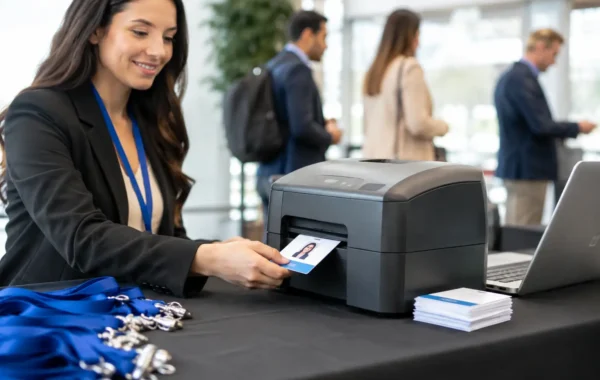
For registration, speed and reliability are central. Laptops may need to run check-in software, connect to badge printers, scan QR codes, access a cloud attendee database, and operate continuously during peak arrival periods. A well-designed registration zone also needs spare capacity. If an early-morning rush brings several hundred guests through the door, one additional workstation can prevent a visible queue from forming.
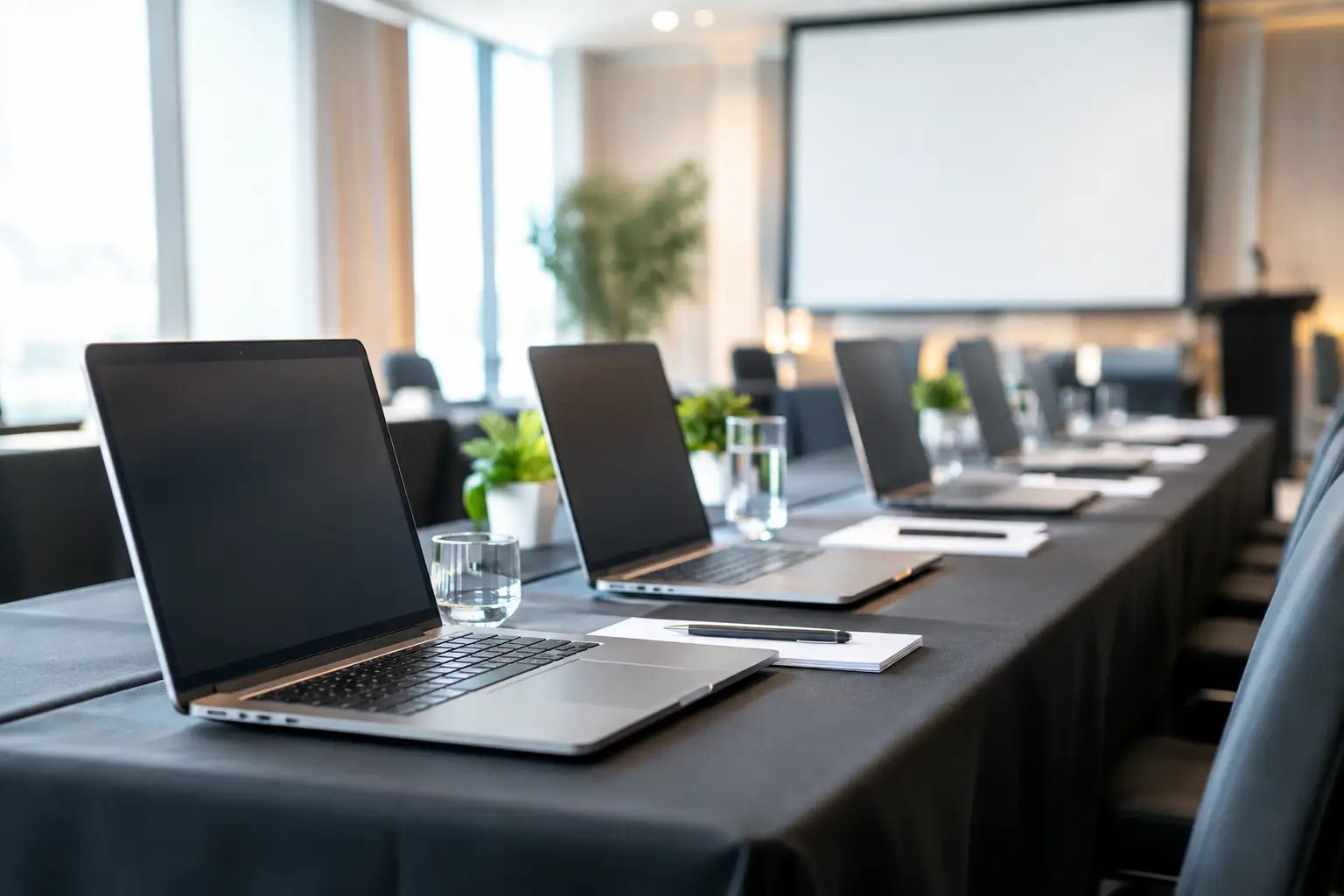
For seminars, board meetings, and workshops, the priority may be consistent specifications across every seat. Identical laptop models, operating systems, screen sizes, keyboard layouts, power adapters, and installed applications reduce disruption for facilitators and participants. This is particularly valuable when learners must follow live software demonstrations or complete practical exercises.
Exhibition teams often need a different configuration. Their devices may support lead capture, presentation screens, sales demonstrations, visitor registration, or digital forms. In these settings, the laptop must work as part of a branded engagement environment, alongside touchscreens, kiosks, interactive displays, and printed credentials.
Choose Specifications That Match the Job
Corporate buyers do not need to over-specify every event laptop. They do need equipment that performs reliably under the actual workload. Email access, browser-based check-in, and standard office applications usually require a different setup than video editing, 3D demonstrations, advanced data processing, or live content management.
A practical event laptop rental plan defines the processor level, memory, storage, operating system, screen size, ports, and graphics capability required for each role. It should also confirm whether software licenses are supplied by the organizer, included in the rental scope, or installed from a client-provided source.
Port selection deserves more attention than it usually receives. Modern laptops may require USB-C adapters for external displays, scanners, printers, Ethernet connections, or presentation clickers. A presenter with a high-resolution media deck may also need a tested HDMI connection and a backup adapter. These small components can determine whether a session begins on time.
Battery expectations should be realistic. For fixed registration counters and operations offices, powered workstations are preferable to relying on batteries. For roaming event staff, sponsor representatives, or floor managers, battery condition, charging schedules, and access to power banks or charging points should be planned in advance.
Standardization Protects the User Experience
Mixed laptop models can be acceptable for a small, flexible event. They are less desirable for a high-volume deployment. Standardized equipment simplifies setup, support, replacement, and user guidance. It also produces a more professional environment when devices are visible to attendees or placed within branded counters.
A single approved configuration helps the technical team test the complete workflow before doors open. If one device has a different operating system version, a missing driver, or an unexpected security setting, that issue is easier to resolve during staging than under pressure at the venue.
Build the Rental Scope Around Deployment, Not Delivery
Delivery alone is not deployment. A box of laptops arriving at the venue leaves important work for the event team: unpacking, charging, connecting, configuring, testing, positioning, and repacking. That approach can appear economical until a last-minute issue consumes staff time or delays an attendee-facing operation.
A managed scope should cover hardware staging before the event, asset labeling, software configuration, and functional testing. At the venue, devices should be placed according to an approved layout, connected to the relevant network and peripherals, and tested against the live event workflow. Registration laptops, for example, should be tested with the actual badge printer, scanner, attendee database, and internet connection that will be used onsite.
For multi-zone events, labeling creates operational control. Each laptop should be assigned to a specific registration counter, VIP desk, organizer office, speaker-ready area, workshop table, or exhibitor station. The onsite team can then identify equipment quickly, manage swaps without confusion, and confirm that every asset has been collected at the end of the event.
Smart Track Zone can coordinate this equipment staging with registration software, badge printing, branded counters, and onsite technical support. This integrated approach is especially useful when the laptop is one part of a larger attendee-management system rather than an isolated rental item.
Plan for Connectivity, Security, and Recovery
Most event laptop problems are not caused by the laptop itself. They arise from unstable connectivity, untested peripherals, insufficient access permissions, or a missing fallback plan.
Event organizers should confirm whether each device will use venue Wi-Fi, a dedicated wired connection, a private network, or a mobile backup connection. Registration and lead-capture systems that depend on real-time data should be tested in the exact area where they will operate. Signal strength can vary significantly between a ballroom entrance, exhibition hall, backstage room, and outdoor activation zone.
Security requirements depend on the data being handled. A laptop accessing attendee records, employee information, payment details, or internal presentations should have appropriate password controls, restricted user access, and a documented process for data removal after the event. Devices should not be left unattended in public areas, particularly during build-up and breakdown periods.
Recovery planning is equally important. For critical functions, arrange a ready-to-use replacement device rather than an unprepared spare stored in a case. The replacement should have the same applications, permissions, drivers, and network settings as the active workstation. If a registration device fails, the goal is a fast swap, not a new configuration project at the front desk.
Onsite Support Is a Business Decision
Not every event needs a technician stationed beside every laptop. A small internal meeting with basic presentation needs may only require tested equipment and a responsive support contact. A large conference with live registration, badge printing, multiple session rooms, and executive attendees has a different risk profile.
Onsite technical support becomes more valuable when several systems must work together. A specialized onsite team can monitor the registration flow, manage printer supplies, replace equipment, resolve connection issues, and coordinate changes without diverting event managers from guest-facing responsibilities. The trade-off is budget, but the cost should be weighed against the operational impact of a failed check-in process or delayed program.
Avoid Common Rental Gaps
The most expensive issue is rarely the rental rate. It is the gap between what was ordered and what the event actually needs. A detailed scope prevents assumptions from becoming onsite problems.
Before approving an event laptop rental, confirm the required quantity, device specifications, software, accessories, delivery schedule, setup location, network method, security expectations, support coverage, and collection process. Also confirm who owns each task. If the venue provides Wi-Fi, determine who will authorize access. If the organizer supplies software, set a deadline for installation files and login credentials. If presentation content will be loaded onsite, identify the person responsible for final testing.
For events in the UAE and Saudi Arabia, delivery timing and venue access are especially relevant. Hotels, exhibition centers, and corporate venues may have strict loading windows, security procedures, or contractor registration requirements. A provider that understands the operational schedule can stage the equipment in the correct sequence and reduce pressure during the final setup hours.
The best laptop deployment becomes almost invisible to attendees. Check-in moves quickly, staff can access what they need, presentations start without technical interruptions, and every device supports the event’s visual and operational standards. That is the value of planning the technology as carefully as the agenda.