
A registration queue is more than a delay. It is the first visible sign of whether an event is organized, branded, and ready for its guests. Touchscreen kiosk rental gives corporate teams a practical way to replace manual bottlenecks with guided self-service, without purchasing, storing, configuring, and maintaining specialized hardware for a single event.
For conferences, exhibitions, product launches, internal meetings, and visitor-management programs, a kiosk should not be treated as a screen placed near an entrance. It is part of the event’s operational infrastructure. The right setup connects the attendee journey, event software, badge production, visual branding, and onsite support into one controlled experience.
What a Touchscreen Kiosk Can Do at an Event
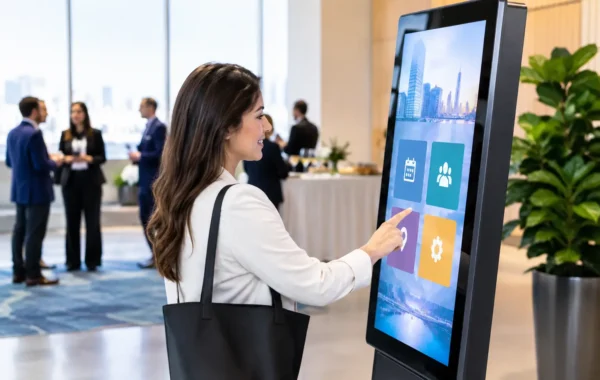
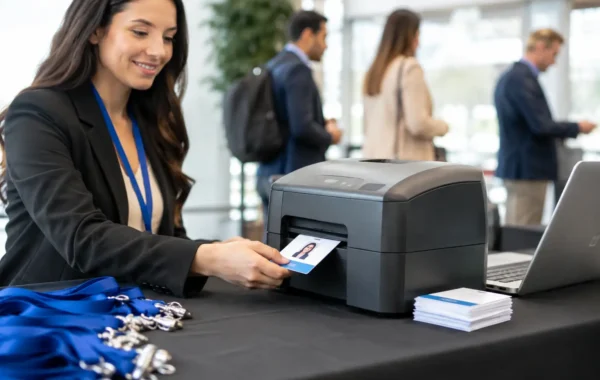
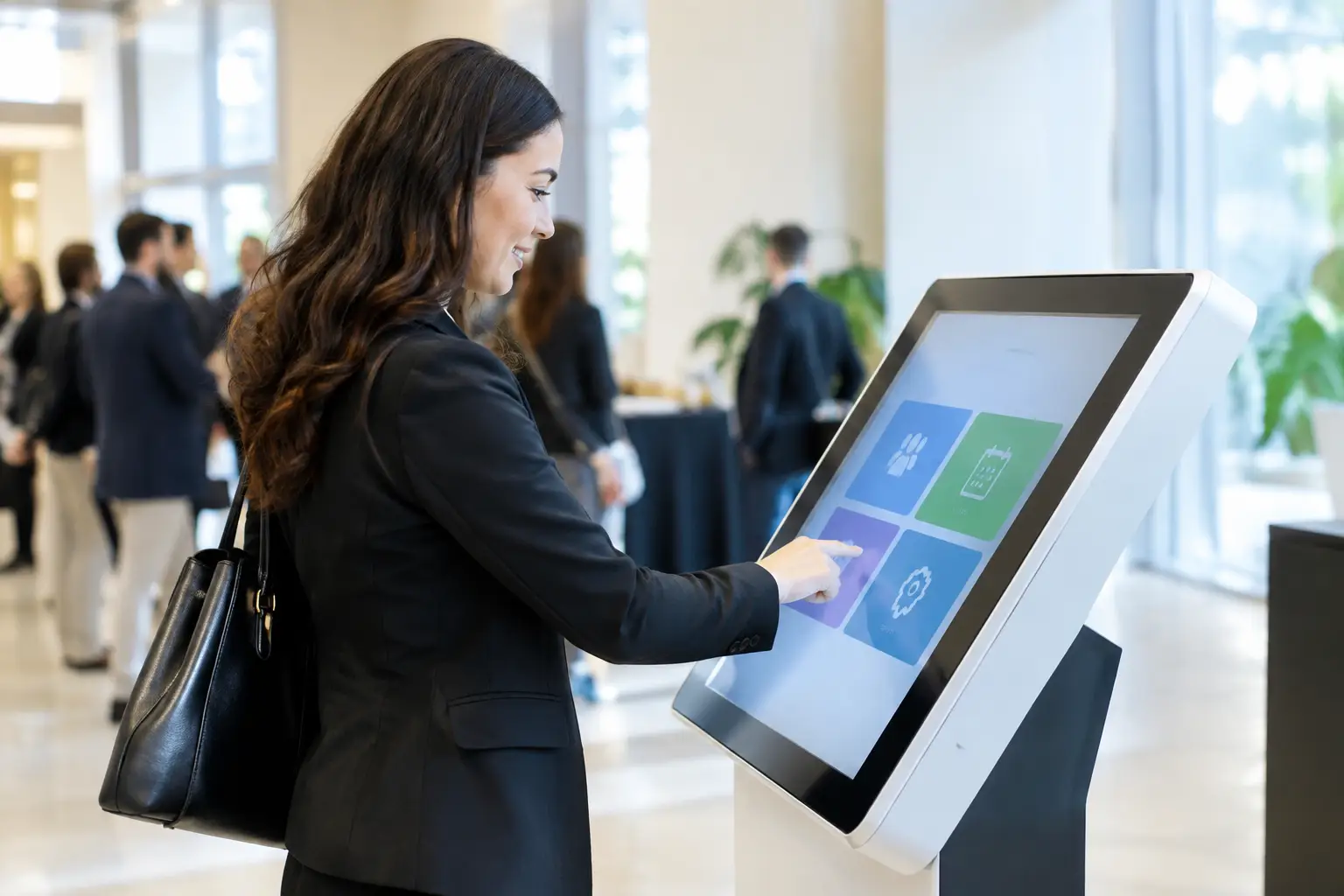
A touchscreen kiosk can take on different roles depending on the event objective and the location where it is deployed. At registration, it can allow pre-registered attendees to search for their name, scan a QR code, confirm details, and trigger badge printing. This reduces pressure on reception staff while giving guests a clear, consistent arrival process.
Inside an exhibition or conference venue, the same format can become an interactive directory. Visitors can find exhibitors, session rooms, speaker schedules, sponsor content, or product information without waiting for assistance. For marketing teams, kiosks can also collect leads, run surveys, display product configurators, gather feedback, and deliver branded digital content that is more active than a static display.
The strongest use cases are designed around one clear action. A kiosk that asks attendees to register, watch a video, browse a full agenda, complete a survey, and request a sales call may look capable but often creates hesitation. A focused interface makes the next step obvious and keeps traffic moving.
Touchscreen Kiosk Rental Versus Buying Equipment
Buying kiosks can make sense for organizations with permanent visitor centers, daily reception requirements, or a long-term self-service program. For most project-based corporate events, however, rental is the more controlled commercial and operational choice.
A touchscreen kiosk rental arrangement gives the event team access to current hardware for the required event period, with deployment planned around the venue, guest volume, software requirements, and branding specifications. It also avoids the less visible costs of ownership: storage space, transport cases, device charging, replacement components, software testing, and the risk of equipment sitting unused between events.
Rental also allows the hardware format to match the job. A compact counter unit may be right for a single check-in point, while a freestanding kiosk is better for high-traffic entrances or interactive exhibition zones. Multiple units may be needed when guests arrive in concentrated waves, particularly for a morning conference opening or a large product launch.
The trade-off is that rental works best when planning starts early. Hardware availability, artwork approval, data integration, venue access, and onsite installation all need to be confirmed in advance. Last-minute requests are possible in some cases, but they narrow the options and increase avoidable risk.
Plan the Guest Journey Before Choosing Hardware
The screen size and kiosk style matter, but the guest journey matters more. Before selecting equipment, define what the visitor sees, what they need to do, and what happens after they complete the interaction.
For self-check-in, consider whether guests will scan a QR code, enter a name, search by company, or use a confirmation number. QR scanning is usually faster for attendees who have received their credentials in advance, while name search can provide a useful fallback for guests who arrive without their code. Where badges are issued onsite, the kiosk workflow must be coordinated with the printer output, badge stock, and staff escalation process.
For lead capture, decide exactly which fields are necessary. Asking for too much information creates abandoned forms and slower queues. In many exhibition environments, name, company, email, interest category, and consent are enough to begin a qualified follow-up process. If RFID or NFC badges are part of the event infrastructure, a tap-based interaction can reduce manual entry and make engagement tracking more accurate.
Wayfinding requires equally careful preparation. A digital map is useful only if venue names, room numbers, exhibitor listings, and schedule information are accurate. Content owners should establish who approves updates, especially when agenda changes or exhibitor substitutions are likely.
Build Brand Consistency Into the Kiosk Experience
A kiosk is a public-facing brand touchpoint. The physical unit, interface, confirmation messages, badge output, and nearby signage should look like parts of the same event environment.
This starts with the kiosk wrap or screen surround. Colors, logos, typography, and graphic treatments should be adapted to the dimensions and viewing distance of the equipment, not simply copied from a brochure. High-contrast calls to action, readable type, and restrained animation are usually more effective than a crowded screen filled with campaign assets.
The software interface deserves the same discipline. A guest should understand where to tap within seconds. Buttons need to be large enough for standing users, instructions should use direct language, and the workflow should recover gracefully when a scan fails or an attendee cannot be found. A clear message directing the guest to a staffed support desk is better than leaving them at an error screen.
For high-profile events, matching the kiosk interface with printed badges, lanyards, sponsor panels, and digital signage helps create the absolute consistency that corporate audiences expect. It also reduces the number of separate suppliers that must interpret brand guidelines under deadline pressure.
The Technical Details That Protect Event Day
A polished interface cannot compensate for weak operational preparation. The event team should confirm the technical environment before equipment arrives, including power availability, network access, venue loading rules, installation timing, and the location of backup support.
Internet access deserves particular attention. Some kiosk functions can operate from a local attendee database, while others require live access to cloud registration platforms, session schedules, or CRM systems. If connectivity is essential, the plan should include tested network credentials and a contingency for outages. A dedicated connection or managed backup can be justified for high-volume registration areas.
Data handling also needs a defined process. Registration data, visitor information, survey responses, and lead records should be collected only for a stated purpose and transferred to authorized stakeholders after the event. For secure corporate environments, access permissions, device lock settings, and data removal procedures should be agreed upon before deployment.
Finally, test the complete workflow rather than the software in isolation. Scan an actual attendee QR code. Print a real badge. Search for a record with a spelling variation. Test what occurs when the printer needs media, the network disconnects, or a guest needs assistance. These details determine whether self-service feels efficient or creates a new queue.
Why Onsite Support Changes the Rental Value
Kiosks are most valuable during the precise hours when event teams have the least capacity to troubleshoot them. A specialized onsite team can stage equipment, test interfaces, manage cable routing, monitor printer supplies, and respond before a small issue becomes visible to hundreds of arriving guests.
Support is particularly relevant for multi-kiosk registration, live badge printing, RFID or NFC workflows, and events with frequent content updates. It creates a defined escalation path for reception staff and protects the guest experience when exceptions occur, such as duplicate registrations, missing records, or damaged credentials.
Smart Track Zone approaches touchscreen kiosk rental as one component of complete digital infrastructure, combining hardware staging with branded interfaces, registration workflows, badge production, and onsite technical execution. That integrated approach is useful when the event cannot afford gaps between the technology provider, print supplier, and venue team.
A Better Standard for Self-Service
The best kiosk deployment does not try to impress guests with technology for its own sake. It makes arrival faster, information easier to find, interactions easier to measure, and the event environment more consistent with the brand.
Start with the action your guest needs to complete, then build the hardware, software, printing, and support plan around it. When every component is tested against the real conditions of the venue, self-service becomes a calm and dependable part of the experience rather than another event-day variable to manage.