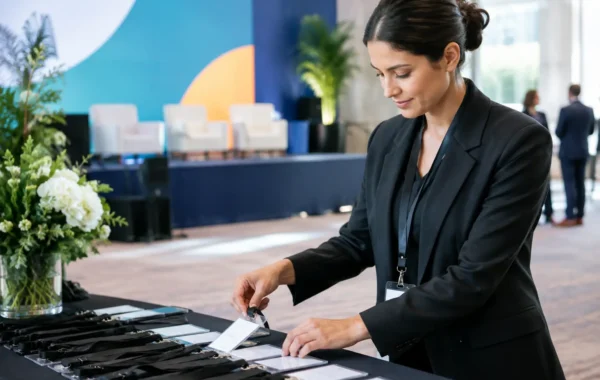

A registration queue that reaches the venue entrance is rarely caused by one major failure. More often, it is the result of small sourcing gaps: badge printers arriving without tested templates, kiosks without the right network settings, screens without approved content, or equipment delivered too late for a proper rehearsal. Dubai event equipment sourcing is not simply about securing inventory. It is about assembling a working event environment where every physical and digital touchpoint performs as planned.
For corporate conferences, exhibitions, product launches, and internal events, the right sourcing strategy protects more than the schedule. It protects guest confidence, brand presentation, data accuracy, and the ability of the onsite team to respond when attendance patterns change.
Dubai Event Equipment Sourcing Starts With the Event Journey
The most effective sourcing process begins with the attendee journey, not a list of equipment. Map what a guest sees and does from arrival through departure: parking or entrance guidance, registration, badge collection, access control, session navigation, sponsor engagement, and post-event follow-up. Each stage reveals the hardware, software, printed materials, and support requirements behind it.
A 300-person leadership meeting may need a compact check-in desk, preprinted QR-enabled badges, two staffed registration points, and a backup printer. A large exhibition may require multiple self-service kiosks, touchscreen wayfinding, RFID or NFC credential encoding, digital signage, and a technical team stationed across several zones. The equipment category may be similar, but the configuration is not.
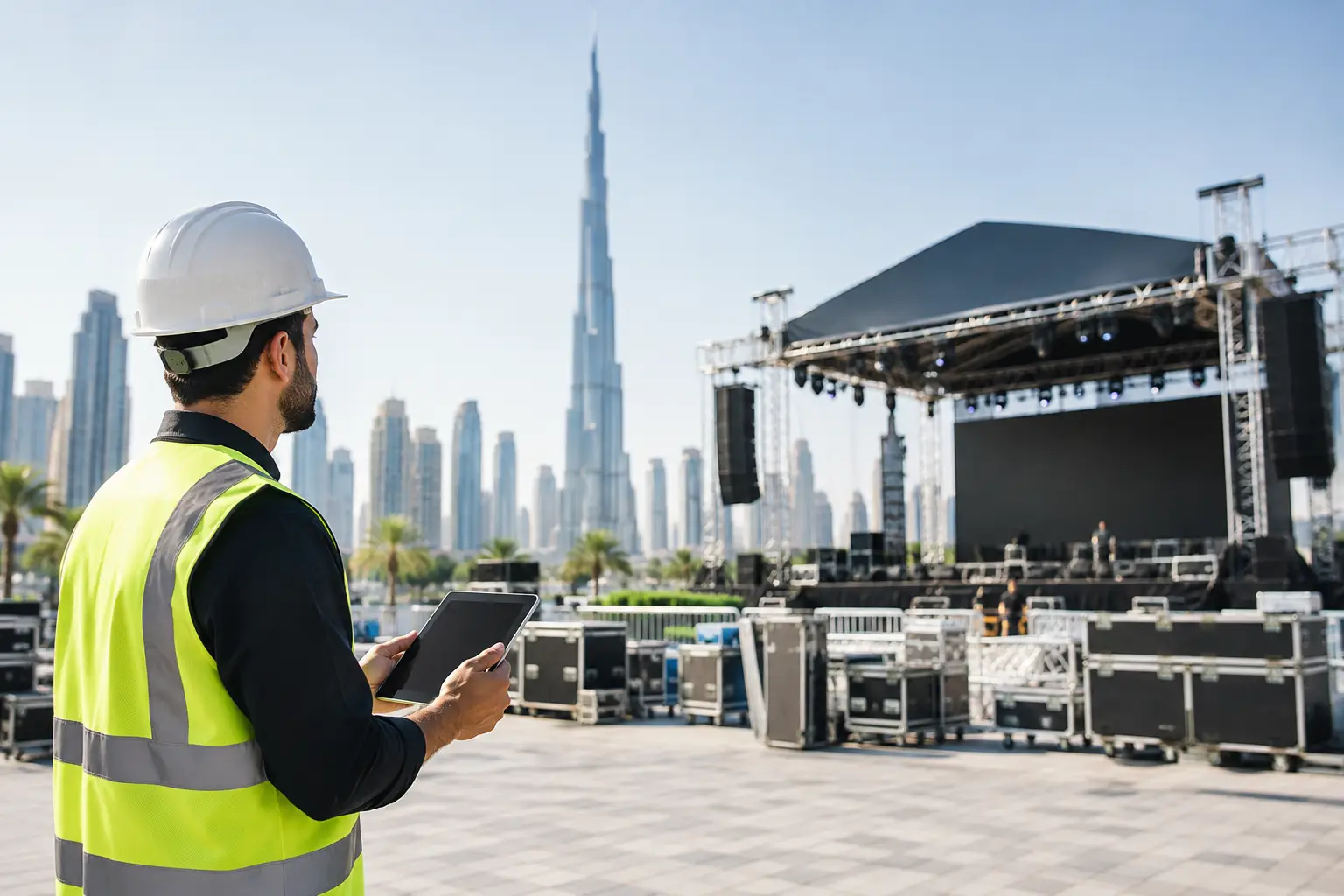
This distinction matters in Dubai venues, where loading windows, access requirements, ballroom layouts, and networking conditions can vary significantly. A supplier should be able to translate the event plan into a clear deployment scope: equipment quantities, placement, power and connectivity assumptions, branded surface areas, operating roles, testing stages, and contingency coverage.
Define what must be integrated
Registration technology, badge production, hardware rentals, and visual branding are often sourced separately. That approach can work for a simple event with generous setup time. It becomes risky when systems need to exchange data or when an event has little tolerance for inconsistency.
For example, a check-in platform must recognize the correct attendee record, trigger the approved badge design, and print reliably through the designated printer. If access permissions or RFID/NFC data are included, the credential must also be encoded and verified before it reaches the attendee. When these elements are managed independently, troubleshooting can become a chain of calls between vendors. An integrated provider has clearer ownership of the complete workflow.
Specify Equipment by Function, Not by Product Name
Procurement teams often receive requests for tablets, printers, screens, laptops, or kiosks. These labels are a starting point, but they do not establish whether the equipment will solve the operational requirement.
A badge printer, for instance, should be selected according to expected check-in volume, card stock, print finish, encoding needs, and backup capacity. A standard office printer may be sufficient for low-volume temporary passes, while a high-throughput event printer is better suited to live badge production. The key question is not whether a printer is available. It is whether it can maintain legible, brand-accurate output during peak arrivals.
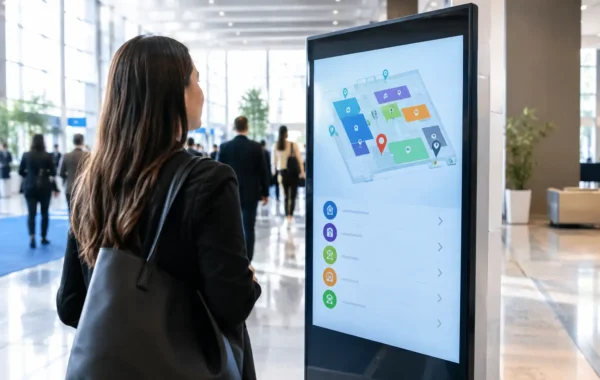
The same applies to touchscreen kiosks. A kiosk can support self-registration, QR code scanning, lead capture, surveys, agenda browsing, or visitor guidance. Its success depends on the interface design, screen position, accessibility, network reliability, and the presence of staff who can guide guests when needed. A kiosk placed without considering traffic flow can create a new bottleneck rather than remove one.
Digital signage should also be scoped against a specific purpose. Welcome screens, sponsor loops, agenda displays, directional wayfinding, and live session updates each require different content logic and screen placement. Large displays create impact, but a well-positioned screen with timely, readable information is usually more valuable than a larger display showing static artwork.
Build the Scope Around Peak Demand
Average attendance does not determine event capacity. Peak demand does. Most corporate events experience arrival surges within a narrow time window, especially when sessions begin at a fixed time or when transportation arrives in groups.
Estimate the heaviest 15- to 30-minute period, then plan registration stations and staffing around that number. Consider the time needed to scan a QR code, search a name, resolve an incomplete record, print a badge, encode a card, and answer a guest question. Even a fast automated workflow needs an exception process for walk-ins, replacements, VIP arrivals, and attendees whose details changed after the final data upload.
A practical plan includes primary equipment and operational redundancy. That may mean spare badge printers, extra tablets, replacement cables, backup power provisions, duplicate attendee data exports, and preapproved reprint rules. Not every event needs a duplicate of every item. For a small private gathering, the cost may outweigh the risk. For a high-profile launch or a conference with hundreds of scheduled delegates, redundancy is usually a sensible investment.
Treat branding as a production requirement
Corporate teams often focus on the digital experience and leave physical branding until late in the schedule. Yet badges, lanyards, desk wraps, directional signs, promotional merchandise, and staff credentials are among the most photographed and handled elements of an event.
These items should be planned with the same rigor as software configuration. Confirm dimensions, print files, color treatment, material finish, variable data fields, approval deadlines, and quantities for replacements. If secure PVC ID cards or membership cards are required, establish whether they need photo data, QR codes, barcode formats, RFID/NFC chips, or access-control encoding before production begins.
A brand proof is more than a design approval. It is a check that the logo, typography, attendee fields, sponsor hierarchy, and scannable code placement work together on the finished item. The visual standard should remain consistent from the invitation and registration page to the badge, kiosk screen, and onsite signage.
Evaluate Suppliers on Deployment Readiness
The lowest equipment quote can become expensive if it excludes staging, configuration, delivery coordination, or onsite response. Compare proposals according to what is actually included in the deployed solution.
Ask how equipment is prepared before it reaches the venue. Professional staging should cover hardware inspection, software installation, device charging, cable management, printer testing, screen-content loading, credential template verification, and labeling of each asset by location or function. This is where many preventable issues are found.
Also clarify who owns the live event. A delivery-only vendor may be appropriate for an experienced production team with technical staff on site. If the client needs registration management, software support, live printing assistance, or rapid equipment replacement, a specialized onsite team is a more reliable model. The right choice depends on internal capability, event complexity, and the consequence of downtime.
A capable event technology partner should be able to provide a practical equipment layout and operating plan, not just a rental catalog. That plan should identify arrival points, registration counters, self-service stations, printer locations, network dependencies, signage zones, and support coverage. It gives marketing, operations, venue management, and security teams one shared reference before doors open.
Protect Data, Access, and Change Control
Corporate event equipment often processes attendee names, contact details, access permissions, and sometimes employee or visitor identification data. That makes data handling part of sourcing, not an afterthought.
Confirm how attendee lists are transferred, who can access them, how devices are secured, and what happens to event data after the engagement. If credentials are used for restricted areas, establish the approval authority for access levels and the procedure for lost or reissued cards. For QR-enabled badges, verify scan behavior in real venue conditions rather than assuming every phone screen and scanner combination will perform identically.
Change control is equally valuable. Assign one decision-maker for artwork approvals, data cutoffs, quantity changes, and onsite escalation. Late updates are common, but they need a controlled route. A last-minute logo revision or attendee upload can affect badge files, screen content, printer templates, and production timing at the same time.
Plan a Rehearsal, Not Just a Setup
Equipment can be delivered correctly and still fail operationally if the workflow has not been tested. Before the event opens, run a realistic rehearsal with sample attendee records. Print a standard badge, a VIP badge, a replacement badge, and a walk-in badge. Test QR scans, kiosk paths, screen updates, and any RFID/NFC encoding. Check whether staff can explain the process in a few clear words.
This rehearsal often exposes details that do not appear in a floor plan: a printer placed too far from the check-in counter, a screen obscured by a queue, a kiosk interface that needs simpler instructions, or a badge holder that blocks a QR code. Correcting these issues before guests arrive is far less disruptive than correcting them in public.
Smart Track Zone approaches sourcing as a complete digital infrastructure and production workflow, combining equipment staging, registration configuration, credential production, branded assets, delivery, and specialized onsite support under coordinated ownership. That model gives corporate teams more control over the finished attendee experience without asking them to manage every technical handoff.
The strongest event setups are rarely the ones with the most equipment. They are the ones where every device, credential, screen, and sign has a defined job, has been tested in context, and has an accountable team behind it. That is the standard worth sourcing for.