
A registration desk can look perfect at 7:45 a.m. and become the event’s biggest pressure point by 8:05. A badge printer runs low on stock, a QR scanner loses its connection, a VIP arrival needs a credential update, or a kiosk display requires a last-minute content change. Onsite event technical support is what turns those moments from visible disruptions into controlled operational tasks.
For corporate conferences, exhibitions, product launches, and internal events, technology is no longer a background utility. It directly shapes how guests enter, where they go, what information they receive, and how they perceive the brand. The right support model protects those interactions from setup through closing.
Why Onsite Event Technical Support Is a Business Requirement
Event technology is interconnected. Registration software relies on configured attendee data. Badge printers require the right templates, consumables, drivers, and network access. Self-service kiosks need a logical user journey, secure mounting, power, and active content. Digital signage needs accurate scheduling and placement to be useful rather than decorative.
When these elements are supplied by separate vendors, responsibility can become unclear when an issue appears. A printer supplier may point to the software. The software provider may point to the venue network. The venue may say the issue is outside its scope. Meanwhile, attendees are waiting at the entrance.
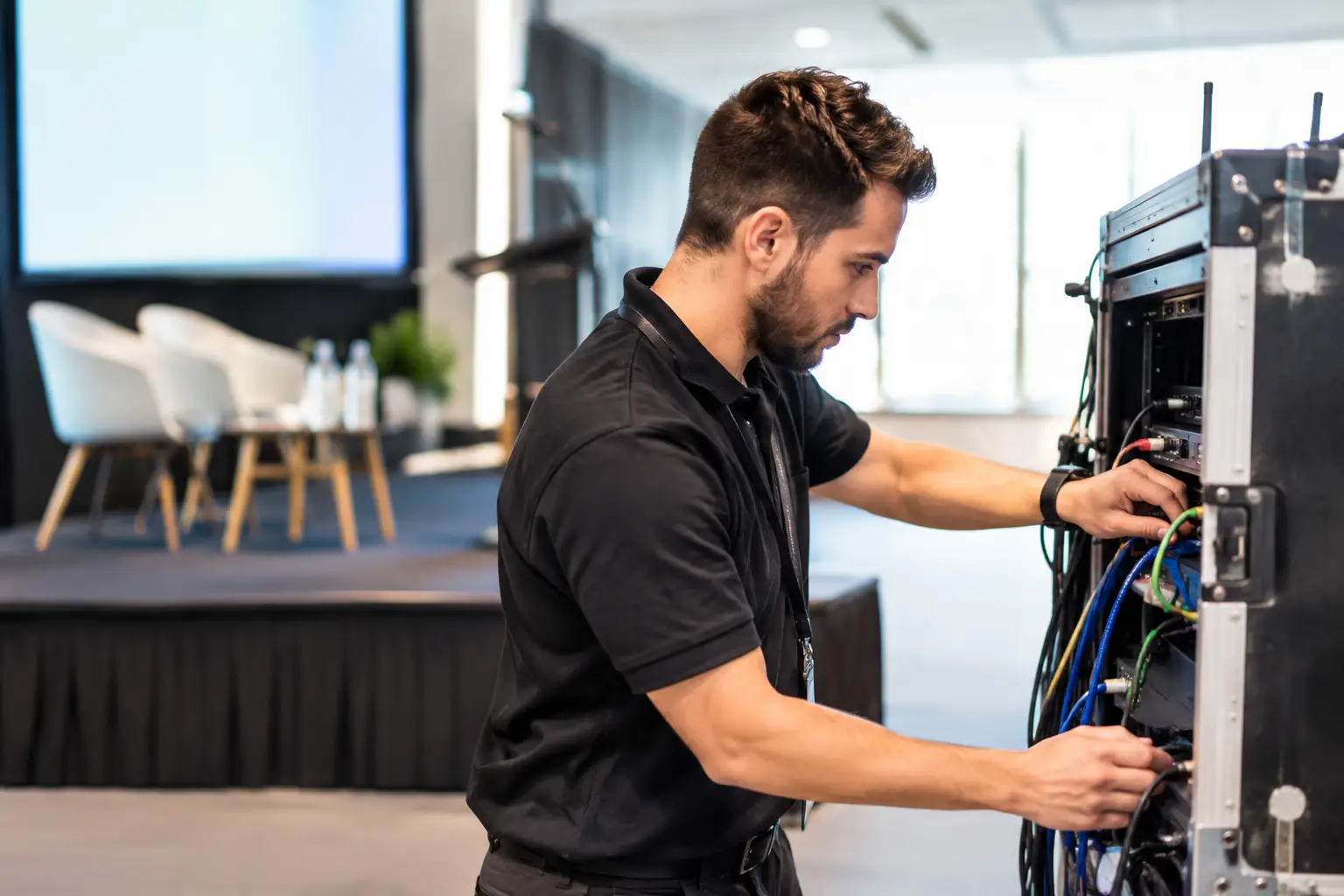
A specialized onsite team establishes ownership across the complete working environment. It verifies devices before doors open, monitors the live operation, and resolves issues at the point where they affect guests. This is particularly valuable where registration volumes are high, entry windows are tight, or the event carries a premium brand expectation.
The goal is not simply to have a technician standing nearby. It is to have people who understand the event workflow, the hardware configuration, the branded materials, and the decisions that can be made quickly without compromising security or guest experience.
What Effective Onsite Support Covers
The scope should be defined by the event’s actual operational risks, not by a generic equipment checklist. For a small board meeting, a single check-in station with a trained operator may be enough. For a multi-day conference, the support requirement may include several registration counters, self-service kiosks, RFID or NFC credentials, session scanning, digital wayfinding, and backup equipment.
A complete onsite support deployment commonly covers four connected areas:
- Registration and check-in software, including attendee lookup, QR code scanning, walk-in registration, and data corrections.
- Badge production, from printer configuration and ribbon replacement to reprints, VIP badge handling, and stock control.
- Guest-facing hardware, including kiosks, tablets, touchscreens, scanners, laptops, and interactive displays.
- Network, power, and operational troubleshooting, with practical escalation paths for venue-related dependencies.
These capabilities work best when they are planned as one system. For example, a fast badge printer cannot solve a bottleneck if the registration form is too long, attendee records are incomplete, or the counter layout forces guests into one crowded queue.
Registration Support Starts Before Guests Arrive
The visible work at the registration desk is only a portion of the job. Reliable execution begins with software configuration, attendee data review, badge template testing, and a staged hardware layout. Each device should be checked with real test records, not just powered on and assumed to be ready.
A useful pre-event test includes standard attendee check-in, QR code scanning, a missing-record scenario, a duplicate badge request, and a manual registration path. If the event uses different access levels or printed badge colors, each rule should be verified before production begins.
This preparation also gives event organizers a chance to assess the guest journey. Are staff, exhibitors, speakers, sponsors, and VIPs arriving through the same point? Should they receive different credentials? Is there a separate resolution desk for registration exceptions? These choices affect both service speed and the impression created at the entrance.
Badge Printing Requires Production Discipline
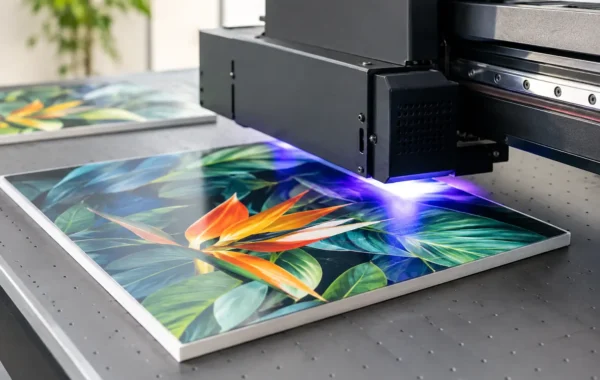
Badges are operational credentials and physical brand assets at the same time. A poorly aligned logo, inaccurate name, weak laminate, or inconsistent lanyard can diminish the quality of an otherwise polished event. For access-controlled environments, an incorrect badge can also create a security concern.
Onsite support for badge printing should include preloaded artwork, approved print proofs, calibrated printers, sufficient ribbon and card inventory, and clear procedures for reprints. The team should know who is authorized to approve name changes, access-level edits, and replacement credentials.
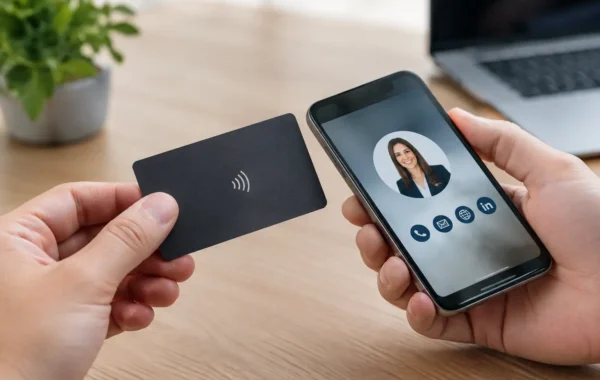
For RFID, NFC, or QR-enabled badges, testing must go beyond the print surface. The encoded identifier, scan behavior, and connection to the relevant registration or access process need confirmation. A credential that looks correct but fails at a scanner creates a delay precisely where control matters most.
Planning for Failure Without Planning for Panic
Every live event has variables. Venue Wi-Fi can become congested. A laptop can require an update at the wrong time. A printer can jam after hundreds of badges. An attendee list may change minutes before opening. The strongest event teams do not assume these issues will never occur. They establish realistic contingencies.
That does not always mean duplicating every item. The right backup plan depends on the event size, location, guest profile, and consequences of downtime. A high-volume exhibition registration zone may justify spare printers, additional scanners, redundant connectivity, and backup power arrangements. A smaller executive gathering may need less equipment but more discretion and a faster escalation route.
The practical question is: what happens if this component stops working for 10 minutes? If the answer is long queues, delayed VIPs, missed session access, or an exposed brand failure, the component needs a response plan.
A capable technical team also separates urgent issues from cosmetic changes. A failed check-in scanner needs immediate attention. A request to change the animation order on a display may be important, but it should not pull the registration lead away from an active queue. Clear priorities keep the operation stable when requests arrive simultaneously.
The Value of One Integrated Delivery Team
Event planners often manage several moving parts: venue coordination, agenda updates, speakers, catering, branding approvals, guest lists, and stakeholder expectations. Adding separate suppliers for printed credentials, rental hardware, registration systems, and support staffing increases coordination work and can weaken accountability.
An integrated provider reduces those handoffs. Hardware can be staged around the approved registration layout. Badge artwork can be tested against the selected printer. Kiosks can be configured with the correct interface and branded content before delivery. The onsite team arrives with direct knowledge of how every component is meant to function.
This approach is especially useful when visual identity matters across many touchpoints. The registration counter, attendee badge, lanyard, welcome screen, directional display, and printed collateral should appear intentional together. Absolute consistency requires both design control and production control.
Smart Track Zone combines technology configuration, equipment staging, print personalization, and specialized onsite support so corporate teams can manage one coordinated delivery process rather than a collection of isolated suppliers. The result is stronger operational control without adding complexity to the organizer’s workload.
Questions to Ask Before Booking Technical Support
Before appointing a provider, event teams should clarify the level of live coverage they need. Ask whether the support team will be present during setup, registration opening, peak arrival periods, and dismantling. Confirm who handles attendee data edits, badge reprints, network troubleshooting, and hardware replacement.
It is also worth asking how equipment is tested before it reaches the venue, what consumables are included, and whether a backup unit is available for business-critical devices. For digital signage and kiosks, request confirmation of the content approval process and the procedure for live updates.
Finally, define the decision-makers. A support team can act faster when it knows who may approve a change to a badge design, access category, screen message, or registration rule. That clarity is often more valuable than adding another device at the last minute.
Support Should Feel Invisible to Attendees
The best technical support rarely draws attention. Guests should experience a quick welcome, a correctly printed badge, clear directions, and useful digital interactions. Organizers should see controlled queues, accurate records, and a team that responds before a small issue becomes public.
That standard is achieved through preparation, trained people, quality-controlled equipment, and direct accountability at the venue. When the doors open, every operational detail becomes part of the brand experience. Choose onsite support that is prepared to protect it.