
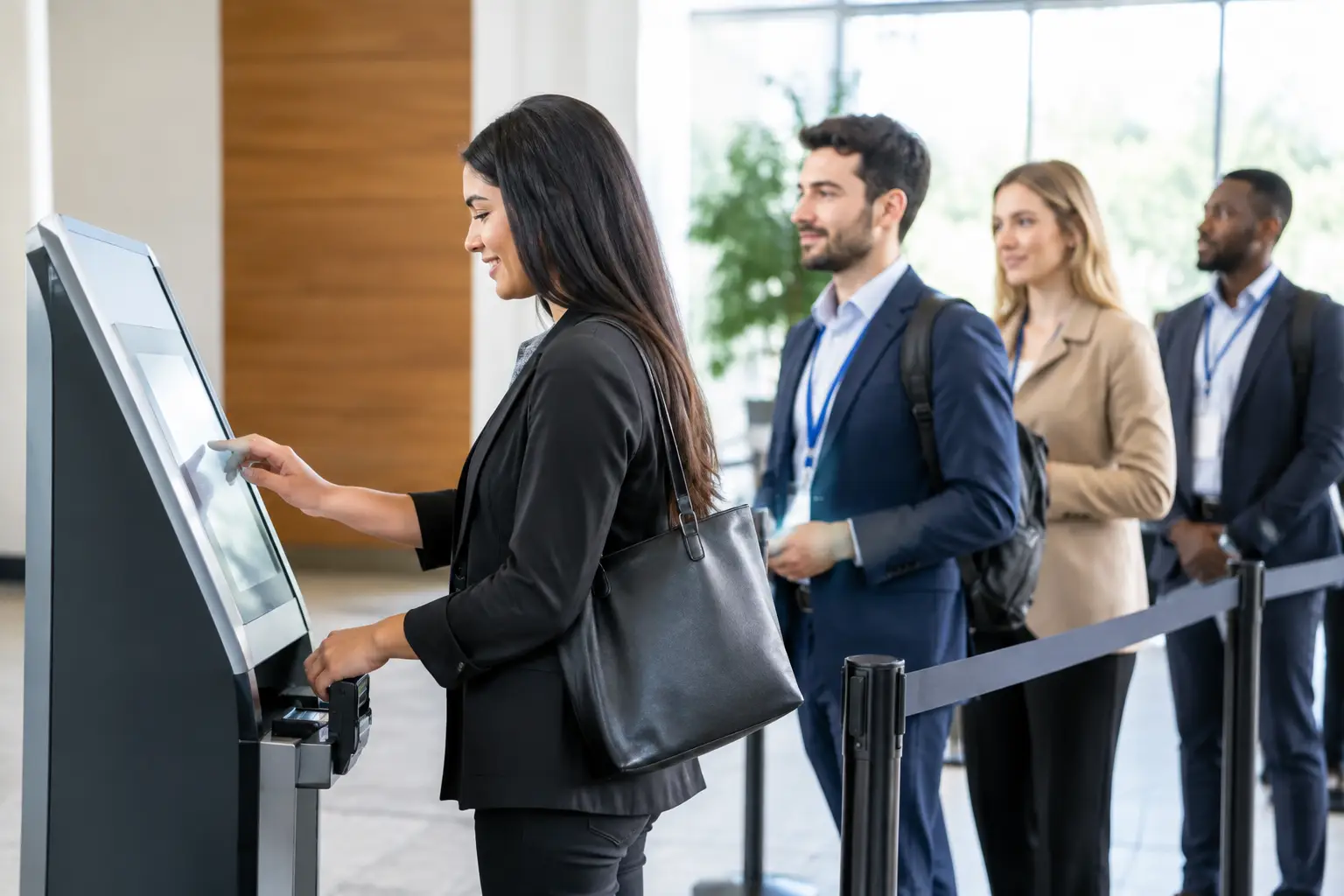

A registration queue is more than a line of people. At a corporate conference, product launch, or trade show, it is the first visible test of the event’s organization. When guests wait too long to collect a badge, find their session, or complete a required check-in, the pressure moves quickly from the entrance to the registration team. So, can kiosks reduce event queues? Yes, but only when they are designed as part of a complete arrival workflow rather than placed at the venue as a standalone screen.
For event teams, the objective is not simply to replace staff with technology. It is to process more arrivals accurately, keep guests moving with confidence, and give the onsite team clear control when attendance peaks. Self-service kiosks can make a significant difference, particularly when registration software, badge printing, venue layout, and technical support are configured as one system.
Why Event Queues Form in the First Place
Queues rarely have a single cause. They build when the arrival process asks every guest to complete too many actions at one desk: find a registration record, verify details, answer questions, print a badge, apply a lanyard, and provide directions. One slow transaction can hold up every person behind it.
Peak arrival behavior adds another challenge. Even a well-managed event with staggered invitation times may see a large share of attendees arrive within the same 20 to 30 minutes. VIPs may require a different welcome process, walk-in guests may need approval, and some attendees may arrive with names that do not precisely match the registration database.
A kiosk does not remove every exception. What it does well is separate routine arrivals from exceptions. Pre-registered attendees with a QR code, confirmation email, or searchable registration record can complete check-in quickly, leaving the staffed desk available for issues that genuinely require a person.
Can Kiosks Reduce Event Queues at Busy Check-In Points?
They can, provided the kiosk process is faster than the manual process it replaces. That sounds obvious, yet it is where many deployments fail. A kiosk with too many form fields, unclear instructions, slow badge output, or unreliable connectivity can simply create a second queue.
The strongest setup creates a short, familiar journey. An attendee scans a QR code or enters a name, confirms the record, and receives a printed badge. The screen should show only the actions required for that event. For a pre-registered guest, this may take seconds. For an exhibition or multi-session conference, the kiosk can also display hall directions, agenda reminders, sponsor information, or a prompt to collect a welcome pack from a separate counter.
This division of work changes the capacity of the registration area. Instead of assigning every team member to process standard arrivals, organizers can station hosts near the kiosks to welcome guests, guide first-time users, and immediately redirect exceptions to a dedicated support desk. Guests receive help without stopping the primary check-in flow.
Badge Printing Is Often the Deciding Factor
A fast screen experience does not matter if badge production is slow. Printer choice, stock loading, badge design, network configuration, and print speed all affect the line. A detailed full-color badge may be right for a premium summit, but it needs to be planned around the expected print volume and arrival window.
The badge workflow also needs to account for practical details: lanyards must be ready, credentials must be sorted where needed, and reprint procedures must be controlled. If access credentials use RFID, NFC, or QR technology, the system should verify that encoded data and printed details match the attendee record before the event opens.
This is why integrated deployment matters. Kiosk hardware, registration software, printers, credentials, and onsite staffing should be tested together under realistic conditions. A perfectly branded badge is not enough if its production slows the entrance. Equally, a quick printout is not enough if it does not meet access, sponsor, or brand requirements.
Design the Arrival Flow Before Selecting the Hardware
The number of kiosks is important, but it is not the first decision. Event planners should begin by mapping the arrival journey from curbside or venue entrance through registration and into the event space. This reveals where queues can form even after self-service check-in is introduced.
For example, attendees may clear a kiosk quickly but then wait for lanyards, security screening, welcome packs, or elevator access. In that situation, adding kiosks alone shifts the bottleneck rather than reducing it. The better solution may be a separate lanyard station, pre-packed welcome materials, or digital credentials for attendees who do not require a printed pass.
Kiosks should be positioned where guests can see them immediately, approach them from more than one direction, and leave without crossing incoming traffic. Clear digital signage and branded wayfinding are not decorative extras. They help attendees choose the correct path before asking a question at the desk.
For larger programs, it can be useful to create distinct lanes for pre-registered self-service guests, assisted check-in, VIP or speaker registration, and walk-ins. The goal is not to make the arrival area look complicated. It is to ensure each attendee reaches the right process on the first attempt.
What Kiosks Do Well, and Where Staff Still Matter
Self-service technology is highly effective for predictable, repeatable tasks. It can retrieve registrations, print credentials, collect basic confirmations, capture consent, and direct attendees toward sessions or exhibition zones. It also gives organizers useful operational visibility, including checked-in counts, peak arrival times, reprint activity, and no-show data.
However, kiosks should not be treated as a complete replacement for the registration team. High-value guests often expect a personal welcome. International events may serve attendees with different language needs or varying familiarity with digital check-in. Complex access permissions, payment issues, substitutions, and registration disputes still require trained staff with authority to resolve them.
The best model is often assisted self-service. Hosts remain visible and available, but they do not need to type every attendee’s details manually. This preserves the human welcome while reducing repetitive administrative work.
Plan for Exceptions Before Doors Open
A controlled exception process protects the speed of the main queue. Before the event, decide who can approve walk-ins, edit attendee details, issue replacement badges, or grant access changes. Give the support desk the required software permissions, spare stock, and escalation contacts.
It is also wise to test for less dramatic but common issues: a guest arriving without their QR code, a badge printer needing a reload, a duplicate registration, or a temporary network interruption. Depending on event scale and security requirements, organizers may need an offline check-in procedure or a local backup of registration data. These precautions are particularly valuable for high-profile corporate events where a delayed entrance can affect speakers, media, or senior executives.
Measuring Whether the Investment Is Working
Queue reduction should be measured, not assumed. Useful indicators include average check-in time, the number of guests processed per kiosk, peak waiting time, percentage of attendees using self-service, badge reprint volume, and the number of exceptions handled by staff.
These figures help organizers refine future events. If kiosks are underused, the issue may be signage, host positioning, or attendee communication before the event. If kiosks are heavily used but queues remain, printer throughput, available units, or downstream congestion may be the constraint.
For recurring conferences, exhibitions, and visitor-management programs, this data supports better capacity planning and more accurate equipment decisions. It also helps justify investment by connecting technology choices to a visible attendee experience outcome.
A More Controlled First Impression
Kiosks are not a cure for poor registration planning. They are an effective tool for removing friction from the high-volume, repeatable parts of arrival. When paired with correctly staged hardware, optimized software, secure credentials, clear wayfinding, and a specialized onsite team, they can turn the entrance from a pressure point into a controlled brand moment.
For events in the UAE and Saudi Arabia where timing, presentation, and service standards are closely watched, Smart Track Zone can coordinate the complete digital infrastructure behind that moment, from kiosk staging and badge production to onsite technical support. The most useful next step is to review the expected arrival pattern before finalizing the registration layout. That single decision often determines whether guests enter ready to engage or already waiting.