
A registration queue that stops moving is rarely caused by one dramatic failure. More often, it is the result of small gaps: too few check-in devices, an untested badge printer, a power point placed behind a branded wall, or Wi-Fi capacity that cannot support simultaneous arrivals. A disciplined event hardware checklist turns those risks into controlled decisions before guests reach the venue.
For corporate conferences, exhibitions, product launches, and internal events, hardware should not be ordered as separate rental items. It needs to operate as one guest-facing system, connected to your registration flow, venue layout, visual identity, staffing plan, and contingency process. The result is faster arrival, clearer navigation, secure credentials, and a more polished brand experience.
Build Your Event Hardware Checklist Around the Attendee Journey
Begin with what an attendee needs to do, not with a list of devices. Map the journey from venue entry through registration, badge collection, access control, session attendance, engagement points, and exit. Each step identifies a hardware requirement and, just as importantly, the conditions around it.
At arrival, ask whether attendees will use staffed registration desks, self-service kiosks, or a hybrid model. A 200-person leadership meeting with pre-registered guests may need only a small check-in setup. A 2,000-person trade show with walk-ins, VIPs, speakers, exhibitors, and media needs separate lanes, differentiated credentials, and a check-in design that prevents one category from slowing another.
Then calculate peak arrival volume rather than using total attendance alone. If 70% of a 600-person audience arrives in a 45-minute window, registration must process roughly 9 to 10 guests per minute before allowing for exceptions. That figure affects the number of tablets, laptops, scanners, kiosks, printers, and trained support personnel required.
Your initial planning brief should confirm:
- Expected attendance, peak arrival periods, and attendee categories
- Registration method, including pre-registration, walk-ins, and VIP handling
- Badge type, security level, and whether RFID, NFC, or QR credentials are required
- Venue floor plan, registration footprint, access points, and digital signage locations
- Power availability, network access, loading restrictions, and venue technical rules
- Brand artwork, screen content, signage sizes, and approval deadlines
This is also the stage to define success. For one event, it may mean getting every guest checked in within five minutes. For another, it may mean collecting reliable attendance data at multiple session rooms or creating a premium first impression for invited clients.
Registration, Badge Printing, and Access Hardware
Registration is the operational center of most corporate events. The right equipment mix depends on throughput, credential complexity, and the degree of self-service your audience will accept.
A staffed station typically includes a configured laptop or tablet, barcode or QR scanner, badge printer, backup printer, power supply, and a clear counter layout. Self-service kiosks add speed and reduce staffing pressure, but they require intuitive on-screen instructions, a reliable printer connection, and onsite assistance for exceptional cases. A kiosk is not a substitute for a support plan. It is one part of a well-designed arrival experience.
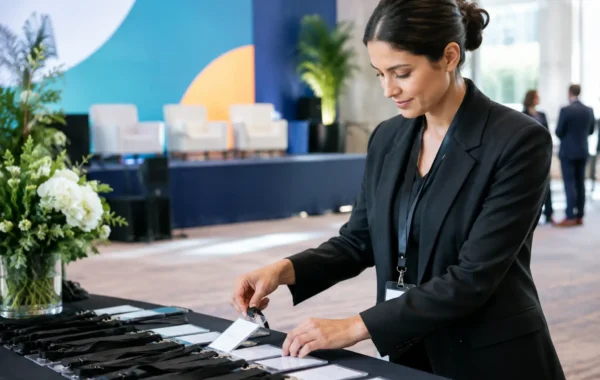
Badge printing deserves particular attention. Confirm whether badges will be printed before the event, on demand, or through a hybrid approach. Pre-printed badges create faster handover for confirmed attendees, while live printing is useful for walk-ins, replacements, and late registrations. The trade-off is that live printing requires more equipment, consumables, testing, and technical coverage.
For secure or data-driven events, credentials may carry encoded RFID or NFC chips, scannable QR codes, color-coded access categories, or personalized session permissions. In these cases, the printer, encoding process, registration database, and access readers must be tested together. A high-quality badge is only effective if its data is accurate and its reader behavior is consistent at every control point.
Network, Power, and Infrastructure Requirements
Event technology is only as dependable as the infrastructure beneath it. A visually impressive kiosk or digital display has limited value when its network connection drops during peak registration or its power route creates a safety issue.
Confirm whether the venue provides dedicated wired internet, managed Wi-Fi, or both. Registration systems, badge printers, scanners, kiosks, and interactive displays should be assessed by function. Critical registration equipment may need a dedicated connection, while attendee Wi-Fi should not compete for the same bandwidth. If connectivity is limited, determine whether local or offline-capable check-in workflows can protect operations during an outage.
Power planning should identify outlet locations, circuit capacity, cable routes, extension requirements, and backup power needs. Equipment positioned at an entrance, in an exhibition hall, or on a stage may require cable protection, hidden routing, or venue-approved distribution. Include power adapters and spare charging cables in the staging plan. Small components are often the first items overlooked during a fast setup.
For larger activations, document equipment by zone: registration, VIP lounge, stage, exhibition area, session rooms, and back-of-house support. This makes delivery, installation, troubleshooting, and strike more controlled. It also prevents a last-minute request for a device from disrupting equipment allocated to another area.
Align Hardware With Software and Content
Hardware should be configured against the actual event platform, not assumed to work because the products are compatible on paper. Before deployment, validate attendee imports, check-in rules, badge templates, scanner permissions, kiosk screens, and reporting fields.
For example, a QR scanner may read a code successfully but still fail to check in an attendee if the registration status, event session, or access setting is incorrect. Likewise, an interactive touchscreen may be physically ready but unable to deliver useful engagement if its content has not been optimized for the display size, orientation, and dwell time of a live event environment.
Create a single source of truth for names, titles, companies, badge categories, access permissions, and brand assets. Establish a cutoff process for data changes, followed by a controlled way to handle late additions. This protects accuracy without stopping the event team from responding to real-world changes.
Protect Brand Consistency at Every Touchpoint
Guests notice operational details before they read a keynote slide. The counter wrap, welcome screen, badge design, lanyard, directional sign, kiosk interface, and printed credential should look like parts of the same event, not separate supplier deliveries.
Prepare production-ready artwork for every physical and digital component. Confirm dimensions, safe areas, bleed, screen resolution, color references, and placement before printing or staging begins. A proofing process is essential for personalized badges and branded structures because incorrect names, logos, or colors create avoidable waste and weaken confidence at the first point of contact.
Consider the physical environment as well. Glossy screens may be difficult to read under exhibition lighting, while a premium dark badge can lose legibility with certain print finishes. An experienced production team will recommend practical adjustments without compromising the intended brand standard.
Stage, Test, and Document the Deployment
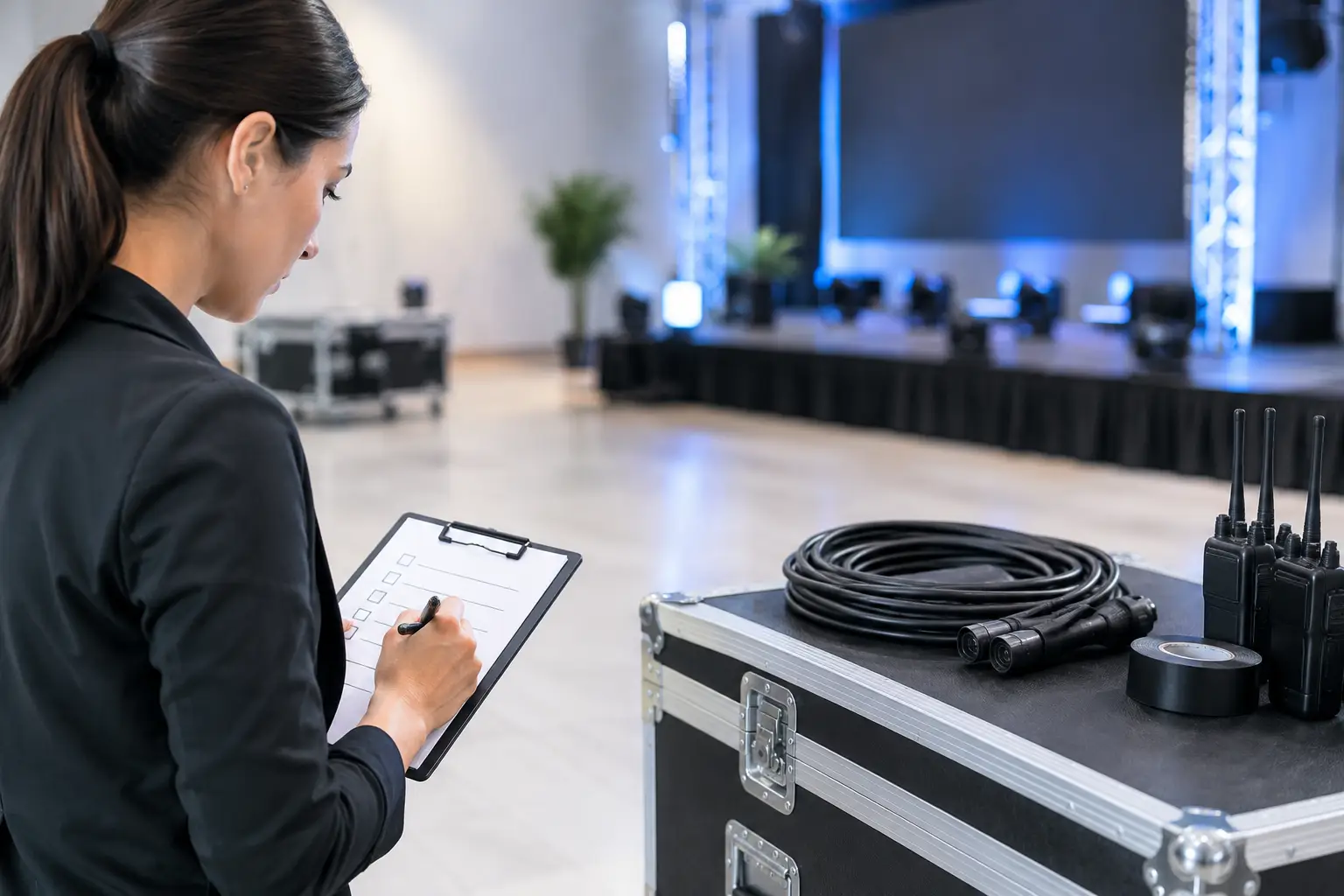
The strongest event hardware checklist includes a full pre-event staging session. Every device should be labeled, charged, updated, connected, and tested in the configuration intended for the venue. That means printing sample badges, scanning test credentials, reviewing kiosk flows, loading digital signage content, and checking that power and network plans match the floor layout.
Test realistic scenarios, not only ideal ones. Process a walk-in registration. Reprint a lost badge. Scan an invalid credential. Disconnect a device from the network. Check whether a staff member can switch to a backup printer without delaying the line. These tests reveal the operational gaps that a basic equipment inventory will miss.
Document serial numbers, assigned zones, cable requirements, login credentials, and support contacts. A hardware layout and deployment schedule give the onsite team a clear reference during installation and make handovers more efficient. For demanding corporate events, a specialized onsite team provides the fastest path from a technical issue to a practical resolution.
Plan Redundancy Before You Need It
No event plan can eliminate every variable. Venues change access times, attendee data arrives late, equipment can be damaged in transit, and a high-profile guest may require an unexpected credential. The right response is not to over-rent every item. It is to identify critical points of failure and provide sensible backups.
Keep spare scanners, charging cables, printer consumables, blank badges, and a replacement device for essential registration workflows. Maintain a manual check-in procedure that staff understand, even if the event is fully digital by design. For events using RFID or NFC access, have a process for replacing a failed or lost encoded credential without weakening access control.
Smart Track Zone approaches deployment as an integrated operation: technology configuration, hardware staging, branded production, delivery, and onsite support are planned as connected responsibilities. That approach matters when timing is tight and every guest-facing detail must perform as specified.
A checklist is most valuable when it becomes an action plan with owners, deadlines, test points, and fallback procedures. Give every device a purpose in the attendee journey, and your event team can focus less on fixing equipment and more on delivering the experience guests came to have.